Stripe Connect on Accounts v2 — Standard, Express, and Custom, Rebuilt Around Configurations (with HTTP, Python, C#, and PHP)
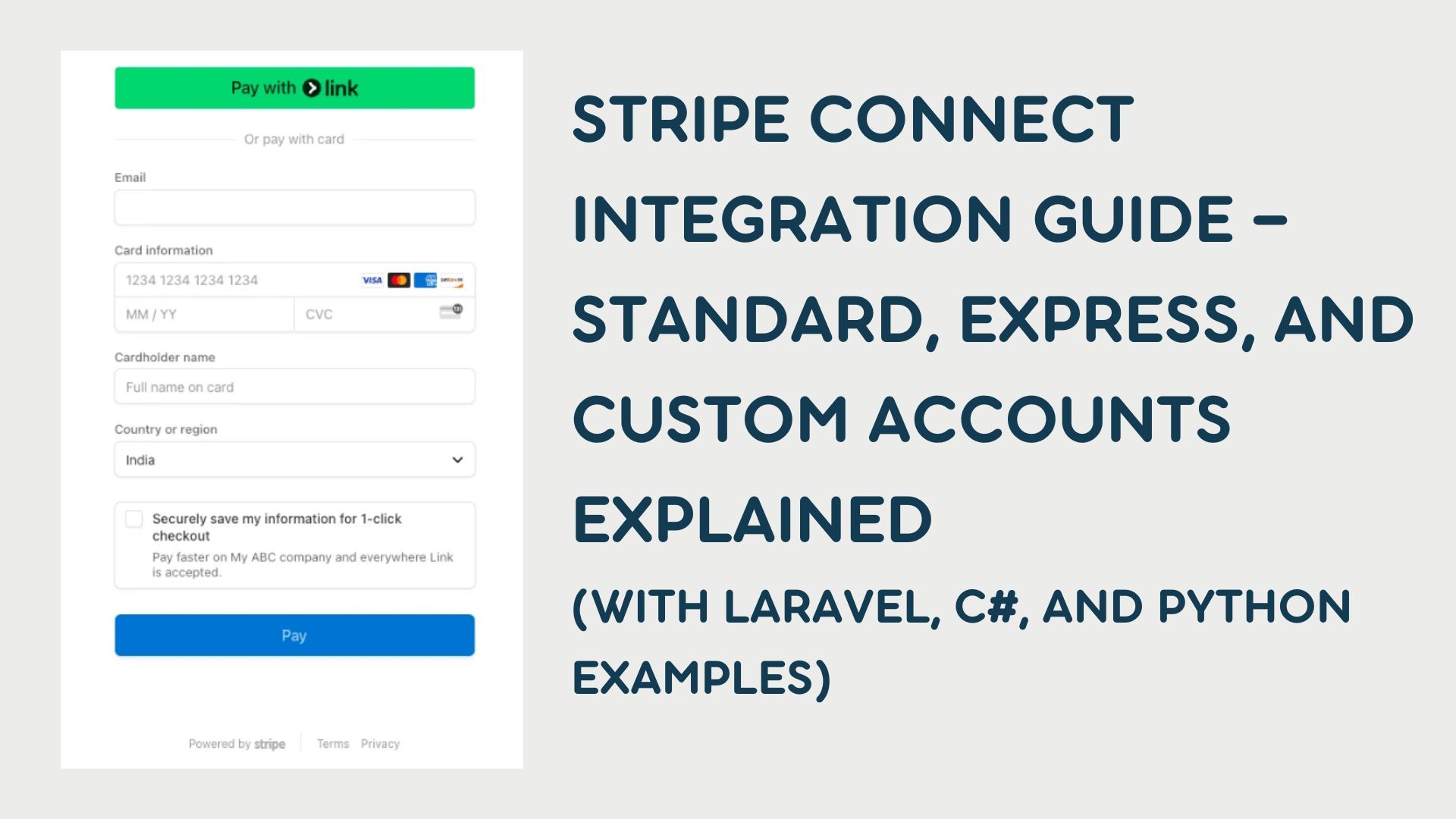
This is the Accounts v2 companion to the original Connect guide (Accounts v1). Same platform concepts—Standard, Express, Custom, money flow, compliance—but the API shape is the one Stripe describes in Connect and the Accounts v2 API. Use the older post when you must stay on v1 (Account.create with type=express, OAuth-only Standard flows, etc.). Use this post when you are designing around one Account, configurations, and customer_account.
Heads-up: v2 uses different endpoints and JSON than classic
AccountsCRUD. Always confirm API version, preview flags, and SDK support in Stripe’s documentation before shipping production code.
What is Stripe Connect?
Stripe Connect is for platforms that move money between buyers, sellers, and your platform. You connect connected accounts to your platform account so you can:
- Collect payments from customers
- Pay out to sellers or service providers
- Take application fees where appropriate
Stripe holds the payments rail; you own product and UX choices.
Two ideas at once: “style” (Standard / Express / Custom) and “shape” (v2 configurations)
The original guide compares Standard, Express, and Custom as who owns onboarding, dashboards, and compliance.
Accounts v2 adds a separate axis: what capabilities a single Account has, expressed as configurations:
| Configuration (v2) | Role in plain language |
|---|---|
merchant | Accept card payments, get paid out—what you usually wanted from a connected account selling on your platform. |
customer | Be billed like a customer (subscriptions, invoices to your platform) using the same Account identity—often replacing a separate Customer object for that business. |
recipient | Receive transfers (e.g. indirect charges), using the v2 transfer capabilities Stripe documents for recipients. |
You can assign one or more configurations to the same Account. That is the core promise of v2: one identity, multiple roles, less manual ID mapping.
The Standard / Express / Custom choice is still real: it describes OAuth vs Stripe-hosted onboarding vs fully custom UI. On v2 you implement those experiences while creating and updating Accounts through the v2 surface (where supported).
Standard vs Express vs Custom (unchanged product trade-offs)
| Feature / aspect | Standard | Express | Custom |
|---|---|---|---|
| Who owns the Stripe relationship | The user’s existing Stripe user; you connect via OAuth. | You create connected accounts; Stripe hosts onboarding and a light dashboard. | You own all UX; Stripe is invisible to end users. |
| KYC / onboarding | User uses Stripe Dashboard. | Stripe-hosted onboarding (Account Links, etc., per current docs). | You collect data and satisfy Stripe requirements via API. |
| Dashboard | Full Stripe dashboard for the user. | Express dashboard. | None unless you build it. |
| Best when | Sellers already have Stripe. | You need speed and shared compliance. | You need full branding and control. |
On v2, you still make these product choices—but you attach merchant / customer / recipient configurations to match what each connected business must do.
Architectural overview
Fund flow is unchanged at a high level:
flowchart LR
  C[Customer] --> P[Your platform]
  P --> A[Connected Account]
  A --> B[Bank payout]
What changes in v2 is object modeling:
- One
Accountcan represent both “seller” and “buyer of your SaaS” if you addmerchantandcustomerconfigurations. - APIs that took
customermay acceptcustomer_accountwith an Account ID—see using Accounts as customers.
Accounts v2 primitives (before code)
Stripe’s v2 Account objects differ from v1’s flat Account create. You typically send:
identity— country, entity type, business details.configuration— nested blocks such asmerchant,customer,recipient, each with capabilities you request (card_payments, balance / payout capabilities as named in current docs).defaults— currency, locales, responsibilities (fees / losses collector), etc.include— ask the API to return nested sections (e.g.configuration.merchant,requirements).
Responses may omit fields unless you include them—see Stripe’s note on includable response values.
API version: v2 calls often require a specific Stripe-Version header (including preview versions while the API evolves). Set this from the exact value in Stripe’s Accounts v2 docs for your integration window.
Implementation: creating an Account on v2 (HTTP-first)
Official examples are REST + JSON. Below is illustrative—copy field names, capability keys, and version from the current docs, not from this blog alone.
cURL (canonical pattern from Stripe)
Stripe documents POST /v2/core/accounts with a JSON body. Conceptually:
1
2
3
4
5
6
7
8
9
10
11
12
13
14
15
16
17
18
19
20
21
22
23
24
25
26
27
28
29
30
31
32
33
34
35
36
37
38
39
curl -X POST https://api.stripe.com/v2/core/accounts \
  -H "Authorization: Bearer sk_test_..." \
  -H "Stripe-Version: <version-from-stripe-docs>" \
  -H "Content-Type: application/json" \
  --data '{
    "contact_email": "[email protected]",
    "display_name": "Example Seller",
    "identity": {
      "country": "us",
      "entity_type": "company",
      "business_details": { "registered_name": "Example Co" }
    },
    "configuration": {
      "merchant": {
        "capabilities": {
          "card_payments": { "requested": true }
        }
      },
      "customer": {
        "capabilities": {
          "automatic_indirect_tax": { "requested": true }
        }
      }
    },
    "defaults": {
      "currency": "usd",
      "responsibilities": {
        "fees_collector": "stripe",
        "losses_collector": "stripe"
      },
      "locales": ["en-US"]
    },
    "include": [
      "configuration.customer",
      "configuration.merchant",
      "identity",
      "requirements"
    ]
  }'
This shows the mental model: one create, multiple configurations, explicit includes.
Python (generic HTTP client)
Until your stripe SDK exposes stable helpers for every v2 path, httpx or requests keeps you aligned with the docs:
1
2
3
4
5
6
7
8
9
10
11
12
13
14
15
16
17
18
import os
import requests

def create_account_v2():
    r = requests.post(
        "https://api.stripe.com/v2/core/accounts",
        headers={
            "Authorization": f"Bearer {os.environ['STRIPE_SECRET_KEY']}",
            "Stripe-Version": "<version-from-stripe-docs>",
            "Content-Type": "application/json",
        },
        json={
            # ...same structure as the cURL example...
        },
        timeout=30,
    )
    r.raise_for_status()
    return r.json()
PHP (Laravel-style)
Use Guzzle or Laravel Http::withHeaders([...])->post(...) with the same URL, Stripe-Version, and JSON body. Keep secrets in config, not in source control.
C# (.NET)
Use HttpClient with StringContent(json, Encoding.UTF8, "application/json") and the same headers. Deserialize the JSON response into your own DTOs that track id, requirements, and configuration.* state.
OAuth / Standard accounts: Stripe currently directs platforms that authenticate with OAuth to connected accounts to continue using v1 for that path. Treat Standard as documented in the v1 guide until your OAuth + v2 story is explicitly supported for your use case—see Accounts v2 and OAuth.
Onboarding links (Express-style flows)
For Express-like experiences you still send users through Stripe-hosted onboarding where the product allows it. With a connected account ID returned from v2 (acct_...), Account Links (v1 resource) remain the usual tool for account_onboarding—the same pattern as the v1 article, but the account value may come from a v2 create. Verify compatibility for your API version in Stripe’s docs.
Python (v1 Account Links API, account id from v2 create):
1
2
3
4
5
6
7
8
9
import stripe
stripe.api_key = os.environ["STRIPE_SECRET_KEY"]

link = stripe.AccountLink.create(
    account=connected_account_id,
    refresh_url="https://yourapp.com/reauth",
    return_url="https://yourapp.com/complete",
    type="account_onboarding",
)
Custom-style integrations on v2
Custom still means: you own KYC collection, ToS acceptance, and ongoing verification. On v2 you express that by:
- Sending complete
identitydata the API requires. - Requesting
merchant/recipientcapabilities your product needs. - Handling
requirementsand webhooks the same way you would for Custom on v1—only the payload shape differs.
You may still use tos_acceptance-style fields where the v2 schema maps them; follow Stripe’s v2 reference for exact property names.
Using Accounts as customers (customer_account)
Where you used customer=cus_..., many flows accept customer_account=acct_... for an Account that has the customer configuration. Example pattern from Stripe (conceptual):
1
2
3
4
5
6
7
curl https://api.stripe.com/v1/setup_intents \
  -u "sk_test_...:" \
  -H "Stripe-Version: <version-from-stripe-docs>" \
  -d customer_account=acct_123 \
  -d "payment_method_types[]=card" \
  -d confirm=true \
  -d usage=off_session
Details and supported objects live under using Accounts as customers.
Checking balances
For many Connect operations, connected account scoping is unchanged. Python:
1
balance = stripe.Balance.retrieve(stripe_account=account_id)
PHP:
1
$balance = \Stripe\Balance::retrieve([], ['stripe_account' => $accountId]);
C#:
1
2
3
4
var balance = await stripe.Balance.GetAsync(
    new BalanceGetOptions(),
    new RequestOptions { StripeAccount = accountId }
);
Confirm in Stripe’s docs whether your v2 account IDs behave identically for every Balance and v1 helper you rely on during migration.
Compliance responsibilities
The Standard / Express / Custom compliance split from the original article still applies who collects KYC and who owns disputes. v2 can reduce duplicate identity collection when you add configurations to an existing Account instead of opening a second Customer record.
| Responsibility | Standard | Express | Custom |
|---|---|---|---|
| KYC | Stripe | Mostly Stripe | You |
| Tax reporting | Stripe-heavy | Shared | Often you |
| PCI | Stripe-hosted elements | Shared | Mostly you |
| Disputes | Stripe-heavy | Shared | Often you |
Choosing a path
| Scenario | Style to favor | v2 angle |
|---|---|---|
| Sellers already on Stripe; OAuth | Standard | Often v1 OAuth until Stripe supports your OAuth + v2 plan |
| Fast marketplace onboarding | Express | v2 Account + merchant + Account Links |
| White-label, embedded finance | Custom | v2 full identity + capabilities + your UI |
| Same business pays you and sells on your platform | Express or Custom | Same Account, merchant + customer configurations |
Strategic considerations
- Time-to-market: Standard (when OAuth fits) < Express < Custom.
- API surface: v2 adds configuration discipline—plan for migration from v1, not an eternal split (Stripe discourages maintaining both versions indefinitely without a plan).
- SDKs: Expect to use HTTP for some v2 paths until your language SDK is fully aligned.
Final thoughts
Accounts v2 does not erase Standard / Express / Custom—it repackages how you represent connected users in the API. Start from Connect and the Accounts v2 API, add using Accounts as customers when the same legal entity both sells and buys from your platform, and keep the v1 Connect guide handy for OAuth flows and legacy snippets until you have fully moved.
Either way, you still trade off control, compliance, and complexity—only the object model got a long-overdue upgrade.